“Big Tech Quality, Small Town Touch”
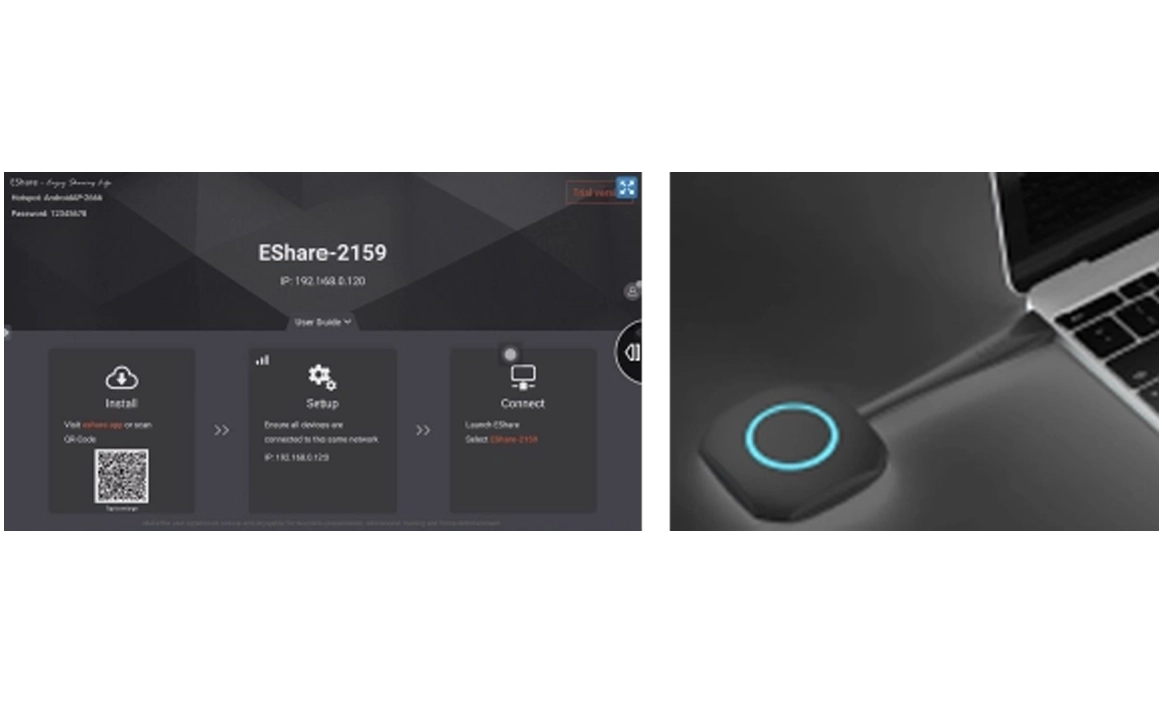
File Push Function
Support push picture, video, audio and Office file to locally display
File Upload Function
Upload any files wirelessly to the interactive board, users can download this file and display in the screen
Intelligent Control
Intelligent control function: Wireless Touch Mouse, air mouse, Wireless keyboard Voice Handwriting input, Wireless Touchpad, Remote control for common keys(Home Menu Back Vol+/-…etc.)
Wireless Camera
Support wireless camera
Annotation
Mobile phone and Windows PC can do wireless annotation to the interactive board screen
TV Mirror
The interactive board screen can be shared to a mobile device wirelessly, and this mobile device can reverse touch control interactive board screen simultaneously
Split Screen Display
Can wireless project 9 mobile devices signals to the interactive board screen with 9 split screens display
Moderator Control
The moderator can control the permissions of the client devices, such as screen transfer, reverse screen transfer, touch, annotation and exclusive screen display
Airplay
Compatible with AirPlay protocol, any iOS devices can use AirPlay function to wireless project screen without install any APP
DLNA Protocol
Compatible with DLNA protocol, any App which support DLNA protocol can wireless project screen to the interactive board screen
iOS Project
iOS devices can wireless project screen to interactive board screen, and can reverse touch control the iOS devices through the interactive board screen
Android Project
Android OS devices can wireless project screen to interactive board screen, and can reverse touch control the Android OS devices through the interactive board screen
Extended Screen Project
Wireless Dongle terminal can do extended screen wireless transfer for the Windows 10 devices
Screen Group Display
Support the simultaneous transmission of one single signal to multiple interactive board screens for synchronous display with the wireless receiver product